DramaBox Voice Studio
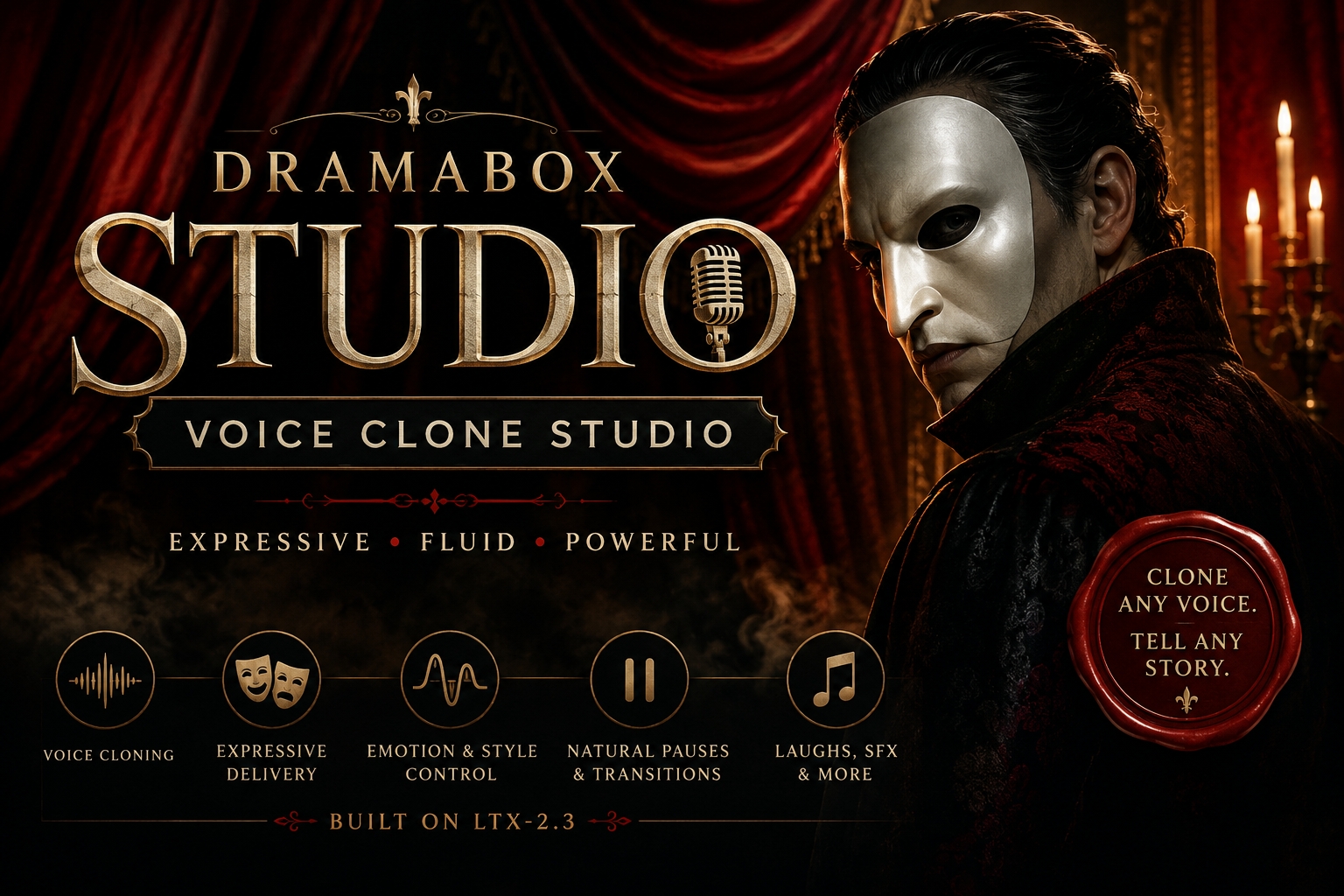
DramaBox Voice Studio is the full standalone DramaBox experience for people who want more than a quick text-to-speech box.
Some tools are built to get you a clean result fast. Others are built to let you experiment. DramaBox Voice Studio is the second kind.
This is a larger, more feature-rich local voice app built around DramaBox TTS. It is designed for expressive speech, voice references, character reads, emotional delivery, pauses, laughs, prompt shaping, and deeper voice cloning workflows.
If you want the fastest path to predictable TTS, the regular GGF Standalone app is still the better choice. If you want a bigger creative workspace with more integrated tools, this is the one to try.
The Full DramaBox Voice Lab
DramaBox Voice Studio brings several related audio tools into one local Windows app. Instead of jumping between separate scripts, folders, and workflows, you get a more complete studio layout for testing ideas and building voice experiments.
You can clone voices from audio samples, train LoRA models, create new voices from text descriptions, manage performance prompts, prepare datasets, transcribe audio, and generate sound effects from text.
It is more experimental than the focused standalone version, but that is also the point. DramaBox Voice Studio is built for users who want to stay inside the tool longer and explore what expressive AI speech can do.
The Golden Rule
DramaBox can hallucinate.
It may drop, change, or mangle words, especially on longer generations over about 45 seconds. Expect to generate more than once. When you find a result you like, use the seed option to lock it in.
Studio Tabs
- Voice Cloning & LoRA Training: Clone from your own audio samples or fine-tune local models with your own dataset folders.
- Voice Design: Create unique voices from text descriptions using Qwen3-TTS, then transfer generated voices into the cloning workflow.
- Prompt Manager: Save, store, and reuse your best performance prompts, or generate new prompts locally with llama.cpp or Ollama.
- Prep Audio & Transcription: Trim, denoise, and batch-transcribe datasets using Whisper or Qwen3-ASR.
- Sound Effects: Generate text-to-audio sound effects powered by MMAudio.
Included
- DramaBox Voice Studio standalone app
- Expressive text-to-speech generation
- Voice cloning workflow
- LoRA training tools
- Voice design with Qwen3-TTS
- Prompt manager
- Audio prep tools
- Whisper / Qwen3-ASR transcription support
- MMAudio sound effects generation
- Setup and setup scripts included
- No ComfyUI required
- Built for local use on Windows
Best For
- Voice cloning experiments
- Character dialogue
- Story narration
- Dramatic readings
- Prompt-driven performance testing
- Custom voice design
- Dataset prep and transcription
- Sound effects generation
- Creative audio prototyping
Quick Start Setup
- Download and extract DramaBox Voice Studio
- Run 1_CLICK_TO_INSTALL_VOICE_STUDIO.bat
- Let the setup build the environment and prepare the required files
- Launch the Studio app
- Start with voice cloning, voice design, prompt management, transcription, or sound effects
Specs & Requirements
- Set up Size: Approximately 31.8 GB, including DramaBox and ASR models
- Operating System: Windows 10 or Windows 11
- GPU: NVIDIA GPU highly recommended
- Dependencies: Python 3.11, SOX, and FFmpeg
- ComfyUI: Not required
Standalone vs Studio
Use the regular DramaBox GGF Standalone app when you want a faster, cleaner, more direct way to generate speech.
Use DramaBox Voice Studio when you want the bigger creative lab with voice cloning, voice design, LoRA training, prompt tools, transcription, and sound effects built into one experience.
DramaBox Voice Studio is available now at getgoingfast.pro.
Get Going Fast provides community setup guidance, documentation, tutorials, troubleshooting support, and member services. Get Going Fast does not sell, host, store, mirror, or redistribute AI model files, model weights, training datasets, or third-party project files.
When a setup guide references third-party dependencies, repositories, or model files, it points users to official upstream public sources such as GitHub, Hugging Face, package managers, or original project repositories, subject to those sources' own licenses, terms, and availability.
Get Going Fast is a general-audience AI education and workflow site, not an adult-content site or hosted AI generation service. Do not use Get Going Fast materials, support, guidance, or referenced third-party tools for unlawful, abusive, non-consensual, sexually explicit, exploitative, harassing, deceptive, or privacy-violating content, including misuse of another person's likeness, voice, identity, intellectual property, privacy, or publicity rights. See our Acceptable Use Policy.
If you are a rights holder, platform reviewer, payment processor, or hosting provider with a concern about a listed tool, guide reference, or upstream source, please contact us. We will review the concern promptly and remove or revise references when appropriate.